
Photo size for a resume
The resume box is a width and a height in pixels, and a hallway selfie will not fit it until you frame the head. Set that box on Tinolia. Files are deleted within 1 hour.
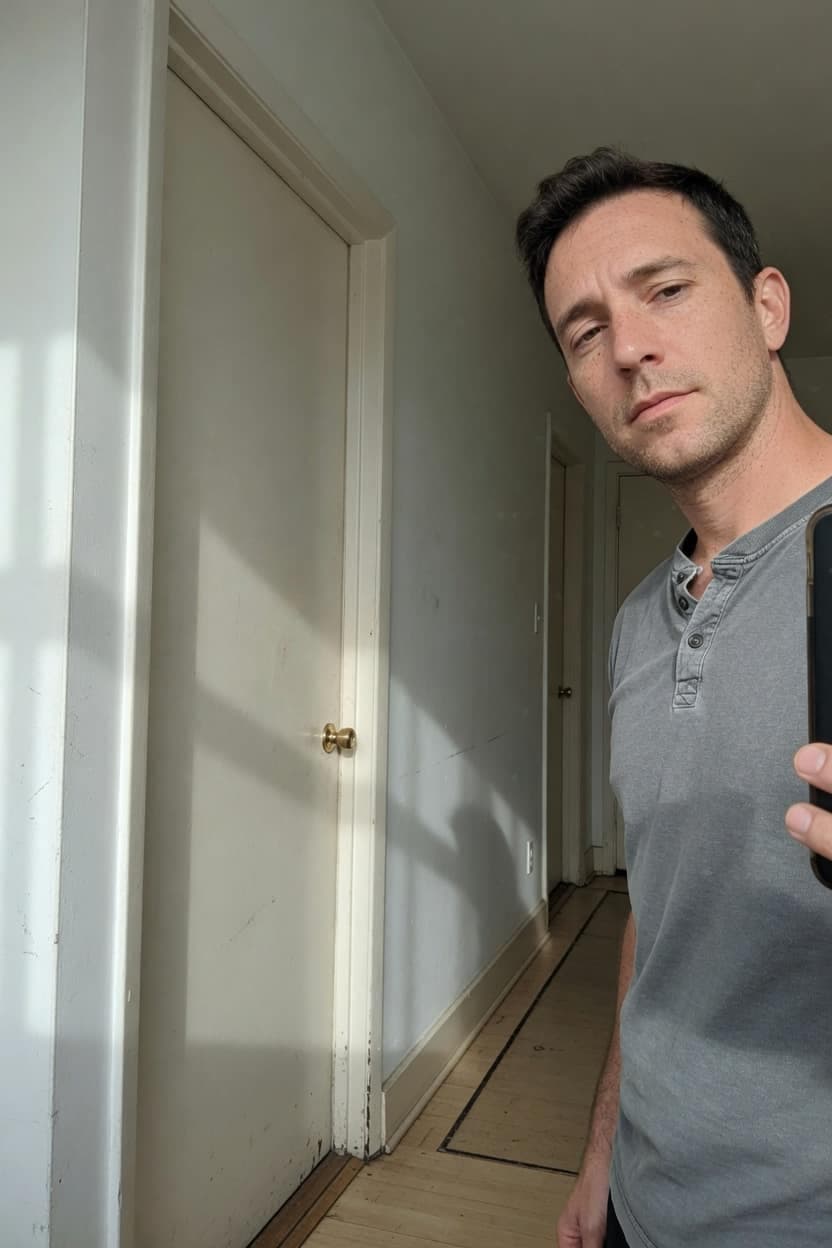 Door and hall
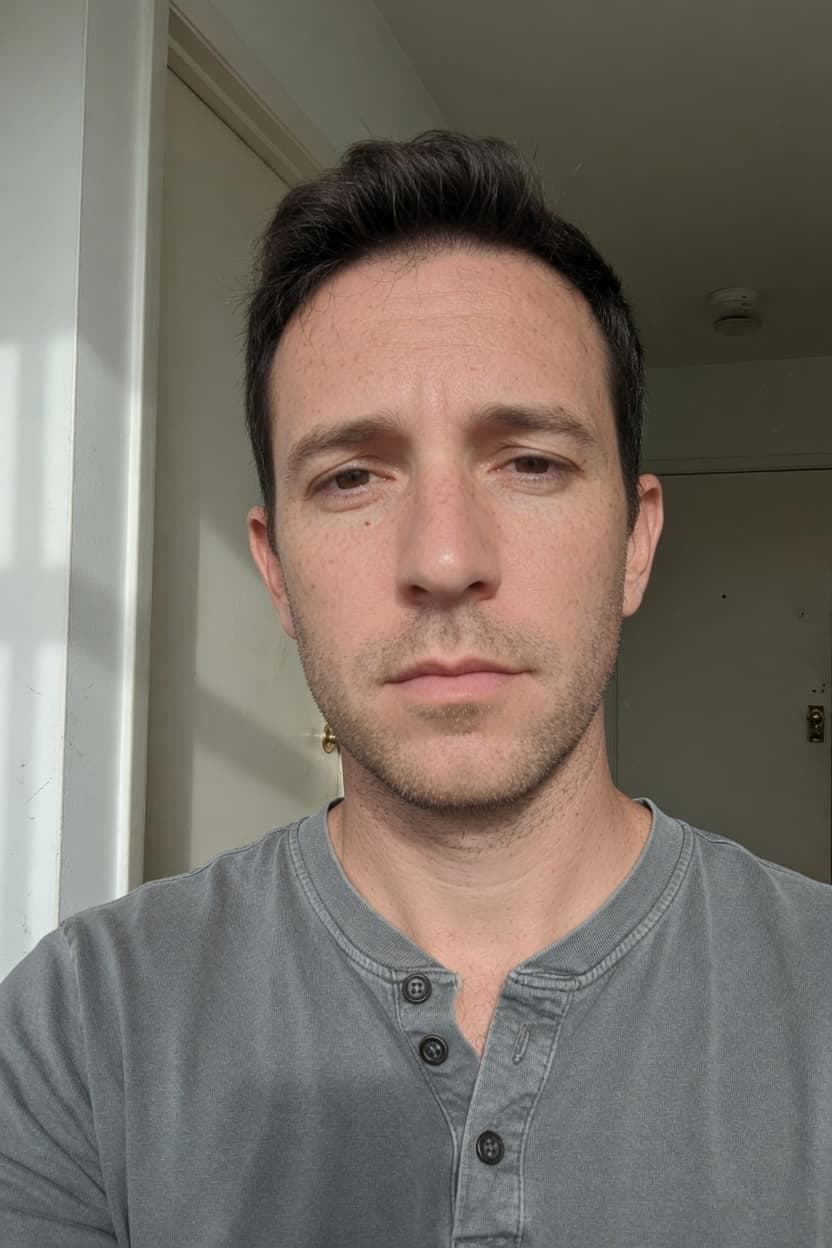 Head and collar
Read the pixel box on that Workday screen
Workday, and most HR portals next to it, print a width and a height. Sometimes both are required. Sometimes one of them is a maximum. The line under the upload button is the one that counts, not a blog that picked a square and called it standard.
A resume template in Word is a different object. It shows a photo hole in inches so the page looks even when you print it. The file you upload is still measured in pixels. Inches tell a printer how large the paper hole is. They do not tell the portal how many pixels to expect.
Inches on the CV are a paper hole
Two inches wide at 300 dots per inch is about 236 pixels. The same two inches at screen density is closer to 150. If the template only says inches, you still need the pixel line from the portal, or you are guessing which density they had in mind.
Type the portal's numbers. If the only number you have is the inch size on a printed CV, multiply the inches by 150 for a screen upload and by 300 when a print shop asked for that density. Round to the nearest pixel. Then look at the preview, because a guessed density still has to show a face.
Frame the head, then type the box
Whole photo on Resize image keeps the hallway and may land short of one side. Fill the frame hits both numbers and cuts whatever sits at the edge. Frame the face first, or Fill the frame will spend the cut on hair and collar.
- Open Crop image and choose Free. Drag the corners until the hair, the ears, and the collar sit inside a tall frame.
- A square HR headshot uses the 1:1 frame instead. Leave a little wall above the hair so the top of the head is not sliced.
- Open Resize image, switch to Pixels, and type the width and height from the Workday screen.
- Pick Whole photo when every part of the head has to survive. Pick Fill the frame when the portal checks both numbers. Enlarging a tiny crop does not add detail.
A passport upload is a different box
passport and DS-160 photos are square, and the byte cap on that form is its own problem. The walkthrough for the kilobyte field is 50 KB photo. Do not reuse a tall resume crop there, and do not reuse a visa square on a CV that asked for a vertical frame.
If the photo also lands on its side once the portal stores it, the pixels were never turned. Do that on sideways uploads before you worry about the width.
The next application prints another pair
Keep the framed original. The next portal will print 400 by 400, or a wide banner, or a maximum on the long side only. Starting again from the hallway selfie means another crop. Starting from a file you already shrank means the second resize has less face to work with.
Fill the frame on a batch uses one box for every file. Check the second photo. A group shot and a headshot do not share a collar line.
White and blue walls are a studio job. Tinolia does not paint one behind you. If the portal rejects a kitchen wall, shoot again against a plain wall you already have. The crop and the pixel box still happen after that.
Questions
What pixel size should a resume photo be?
A resume photo uses the width and height printed on that application. A Word template's inches are the paper hole, not the file. Type the portal's pixels after you frame the head.
Does Workday want inches or pixels?
Workday's profile upload asks for a pixel box on that screen. Inches belong to the printed CV. If the screen shows both a size and a file cap, set the pixels first.
Will Fill the frame cut my chin?
Fill the frame cuts whatever sits outside the box, chin included, when the photo is taller or wider than the numbers you typed. Frame the head in the crop tool before you resize.
Can you put a white wall behind a resume photo?
A white wall has to be in the photo when you shoot it. Tinolia crops and resizes. It does not paint a studio background, white or blue.
The resume photo is still too many kilobytes
Pixels and kilobytes are separate checks. A correct width can still miss a byte cap. The kilobyte field, including a visa form, is 50 KB photo.
Does enlarging a small headshot make it sharper?
Enlarging a headshot only spreads the pixels you already have. A soft crop stays soft at a larger width. Shoot closer, or crop a larger original, before you scale up.
More guides like this
- Visa and government photos: the 50 KB fieldMaximum 50 KB is a ceiling, a range has a floor, and the DS-160 wants nearer 240 KB. Read the screen, crop the face, set the pixels, then hit the number.
- Reduce photo size for emailGmail sends 25 MB per message, Outlook.com sits nearer 20 MB, and encoding adds a third on top. Resize toward 1920 px first, then compress to JPEG.
- Why is my PNG so largePNG stores every pixel, so a 4K capture runs into megabytes. Convert it to JPEG when it is a photo, and compress the PNG when the text has to stay readable.