
Why is my PNG so large
By Tinolia
Published: Updated:
PNG keeps every pixel, which is why a screenshot from a 4K screen or a photo saved as PNG is huge. Convert it on Tinolia when it is a photo, and compress it as PNG when someone has to read the text. Files are deleted automatically after 24 hours.
Pictures > Screenshots
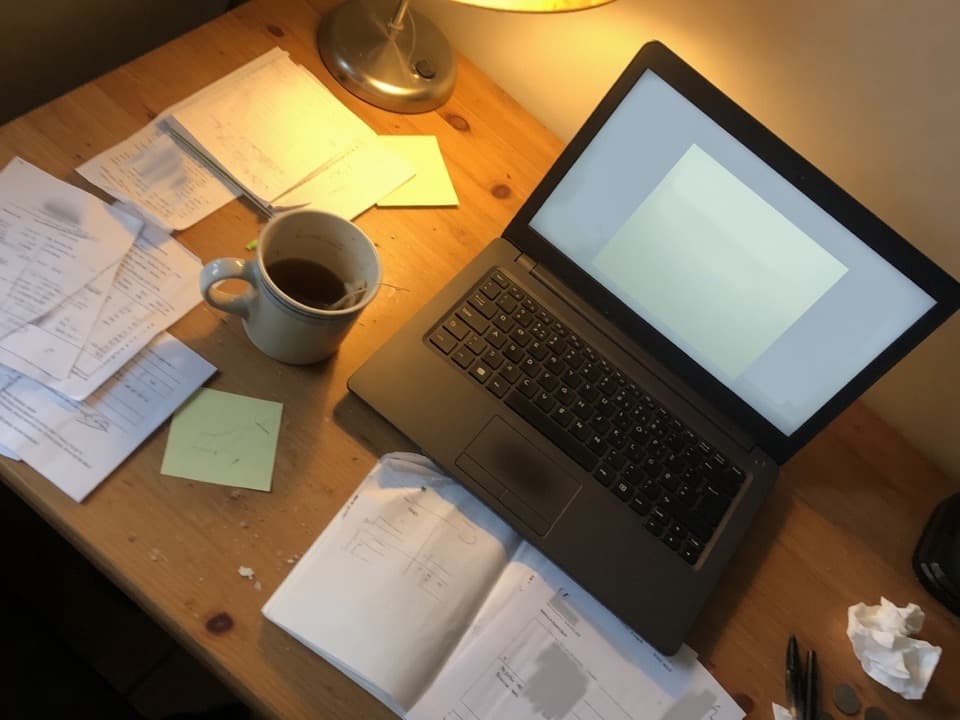
Screenshot 2026-09-16.png4.8 MB PNG
PNG does not throw pixels away
PNG stores image data losslessly, while a JPEG export usually trades some detail for a smaller file. The byte difference depends on the image. Check the actual format and size of your capture; screenshot formats and attachment limits vary by device, app and service.
Flat colour and sharp type is the job PNG was built for, and it is very good at it. The trouble starts when a photo, or an entire high-resolution desktop, gets saved in a format designed to keep every last pixel.
Screenshots are PNG on purpose
Large pixel dimensions can make a screenshot heavy, but simple flat content can compress well. Read the downloaded file's actual bytes. Crop unrelated areas first, then compare small text after any compression or resize.
If it is a photo, convert to JPEG
Sometimes a camera photo was saved as PNG, or an editor exported PNG because someone read that it means quality. If there is no transparency to protect, PNG to JPG is the whole fix.
If the image did have a transparent background, pick a fill colour, since JPEG cannot keep the hole. Do not answer a portal that refused your PNG by sending WebP instead: Chrome WebP.
If it is interface text, compress the PNG
A settings screen, a spreadsheet, or a code editor should stay PNG. Heavy JPEG puts visible blocks around letters, which is the one thing a screenshot cannot afford.
Compress PNG keeps the format and squeezes the encoding. If the field still names a cap after that, shrink the long side in Resize image and compress again.
- Drop the .png. Up to 10 files, 20 MB each.
- Photo with no type in it: PNG to JPG. Screenshot someone has to read: Compress PNG.
- If the field names 200 KB or 500 KB, finish with the matching cap page.
Where the PNG usually gets rejected
A small PNG can fit 50 KB, while a detailed image may not. Check the form's format rule and inspect the result of compression: 50 KB photo. If you want to share a prepared file through WhatsApp, use a document attachment and check the selected copy: WhatsApp original.
Screenshots you are keeping anyway
If your Screenshots folder is the reason the disk is full, the answer is not converting all of it. Keep the captures with text as compressed PNG and convert the ones that are really photos.
Anything you are archiving rather than sending can stay exactly as it is. The format only becomes a problem at the moment someone else's upload field or inbox has an opinion about it.
Related guides: photos for email.
For an Etsy image, check its published format and image-size guidance before replacing PNG with JPEG. Transparency and text can change the choice.
Tested examples
Download the input, use the settings below and compare the result. These are public synthetic files made by Tinolia, with no customer data.
Measured on
Compress a detailed PNG
Use PNG compression in quality mode at 80. The input is a synthetic colour pattern, saved without PNG compression.
| File and format | Dimensions / pages | Bytes |
|---|---|---|
| Inputpattern.png | 800 × 600 px | 1,442,999 |
| Outputpng-compress.png | 800 × 600 px | 482,310 |
Input
Output
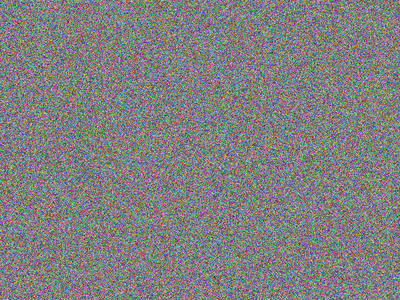
The result stays PNG with the same pixel dimensions. The palette has fewer colours, so the pixel values can change. This example does not prove that text or gradients in your file will look identical.
Try Compress PNG with the samplePNG to JPEG
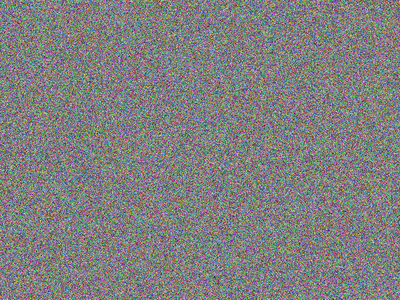
Convert the 800 × 600 PNG pattern to JPEG with a white background.
| File and format | Dimensions / pages | Bytes |
|---|---|---|
| Inputpattern.png | 800 × 600 px | 1,442,999 |
| Outputpng-jpg.jpg | 800 × 600 px | 392,865 |

Input
Output

The JPEG is smaller in this test and keeps 800 × 600 pixels. JPEG changes image data and cannot preserve transparency. Compare the downloaded result at full size.
Try PNG to JPG with the sampleMeasurements apply to these files and settings, not to every upload. The engine version and processing environment can change the bytes. The public examples stay available; your uploads follow the 24-hour deletion policy.
Download the measurement record (JSON)Sources checked
- W3C: PNG
PNG compression and transparency. Tinolia compression settings are checked separately.
These references support the topics listed above. Tinolia's limits and settings are checked against the tools. Service rules can change; follow the instructions for your account, app version or application.
Questions
Why are my screenshots so large?
A screenshot can contain many pixels, even when it looks simple. Crop the area you need and compare the downloaded bytes. Check small lettering after compression so that the lighter copy stays readable.
Should I convert a screenshot to JPEG?
Only when the field refuses PNG and the text can survive a little softness. Otherwise keep PNG and compress it.
Why is a PNG photo bigger than the JPEG?
PNG keeps every pixel, and photographs have messy colour. JPEG is allowed to discard part of that, so the file drops sharply.
Why does my text look dirty after saving the screenshot as JPEG?
JPEG smears a faint grey halo around hard black-on-white edges, and a screenshot is made of nothing else. Keep captures with type in them as PNG.
Will compressing a PNG blur the text?
Tinolia keeps the pixel dimensions in normal PNG quality mode, but reduces the colour palette. Thin text, gradients and subtle colours can change. Compare the output at full size before sending it.
Is PNG better quality than JPEG?
For flat graphics and type, yes. For a photograph it mostly means a bigger file that looks the same at normal viewing size.
More guides like this
- Visa and government photos: the 50 KB fieldCheck the form's byte limit, dimensions and accepted format. Crop and compress a copy; a 50 KB ceiling does not guarantee photo approval.
- Reduce photo size for emailGmail personal and Outlook.com allow 25 MB in attachments. Check the recipient's limit, resize photos if suitable, then compress.
- PDF too large for GmailGmail personal and Outlook.com allow 25 MB in attachments. Compress a PDF, check its readability and follow the recipient's limit.