
Remove location from Android photos
By Tinolia
Published: Updated:
Google documents that Photos cannot remove a location recorded by your camera. Tinolia can strip metadata from a separate copy; check that download before sharing it. Files are deleted automatically after 24 hours.
- GPS (example)
- 19.4326, -99.1332
- Camera
- Pixel 8
- Date
- 12 Mar 2026
Google Photos will not edit what the camera wrote
The help page is blunt about the limit. Google Photos locations states that if your camera saved the coordinates, Photos cannot update them and cannot remove them.
The Remove location item you can see is for a pin Photos guessed from your timeline or one you typed in by hand. It rewrites that guess, not the bytes. Export the photo afterwards, open it on a laptop, and the coordinates are sitting exactly where the camera left them. That gap is why so many people believe a file is clean when it is not.
Check the exported file, not just the map
Gallery location-editing controls vary by phone and app version. Follow the instructions for your device and inspect the exported copy. A missing map in the interface does not by itself prove what metadata is in that file.
Do not assume a location edit removes the date, camera model or every other field. Use Remove EXIF for a separate metadata-removal copy and check the result before sharing.
Where each brand hides the camera switch
Look for the location-tagging setting in your camera app or its location permission in Android. The menu name depends on the brand and version. Turning off capture location affects future photos, so existing files still need a separate check.
Sharing by link is not sharing the file
Google Photos has separate rules for sharing location through its service. A download or export used in another app can behave differently. Inspect the exact copy you will attach; do not infer that a file is clean from a sharing setting alone.
Clean the batch and keep your originals
Put the photos on Remove EXIF. GPS, camera, and date are listed for each one before a single byte changes, and the clean copies arrive with -clean added to the filename, so what sits in your gallery is left alone. Runs take up to 10 photos at 20 MB each.
Files travel over HTTPS, the removal happens on our server instead of inside your browser. Files are deleted automatically after 24 hours.
A JPEG, PNG, or WebP is handed back in its own format, while a HEIC that came off somebody's iPhone comes back as a JPEG. For the field-by-field account of what leaves and what deliberately survives, strip GPS is the page that covers it.
- Drop the photos on Remove EXIF and read the listed fields.
- Download the clean copies.
- Attach the -clean files, not the ones still in the gallery.
Check the copies you plan to share
A gallery may show a location stored by its service rather than a GPS tag from the downloaded file. An empty map alone does not prove that the copy has no location metadata.
On Windows, right-click the downloaded copy, open Properties > Details and look for GPS. For a fuller check, run exiftool -gps:all on that file. Inspect each copy you intend to share: a clean result for one file does not verify the others in the batch.
What the gallery cannot undo
Anything already uploaded to an eBay listing, already sitting in a shared album, or already backed up went out with the coordinates inside it. Clearing the pin today does not reach back into any of those copies.
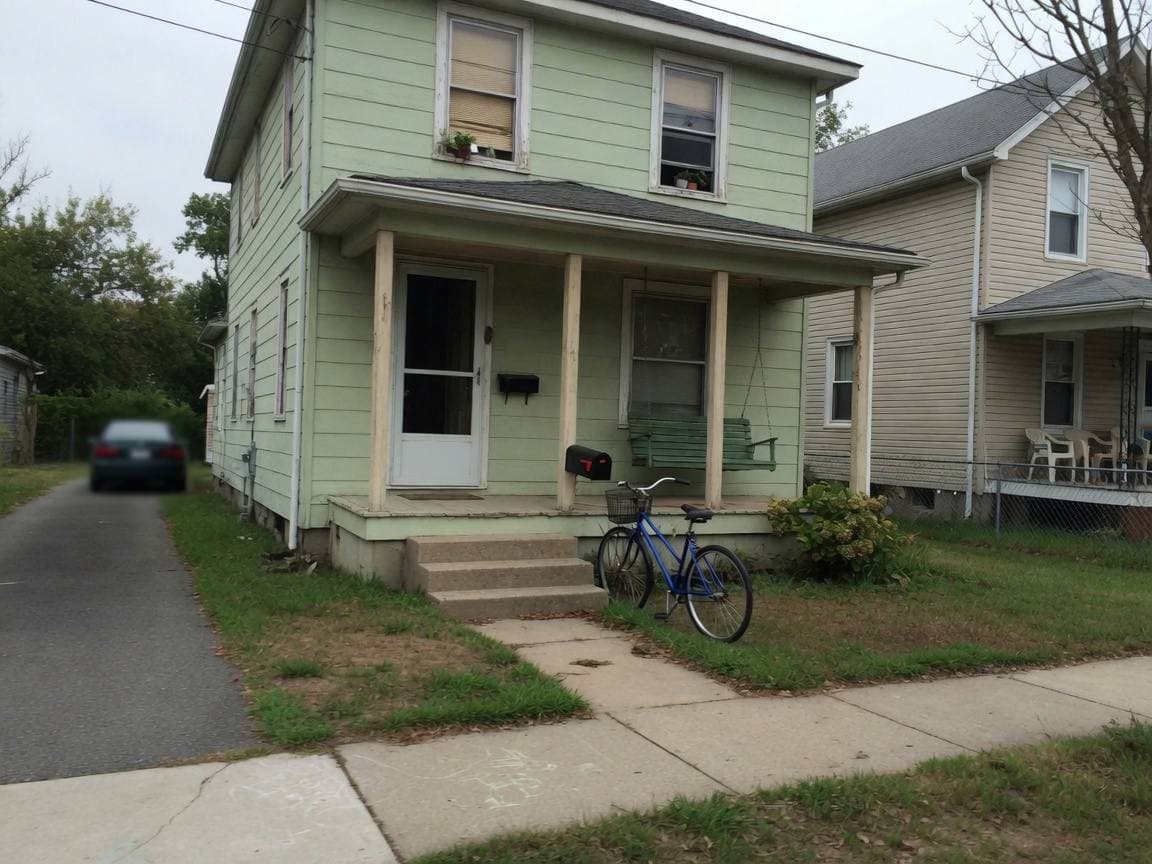
The visible half is separate. A picture of your porch is still a picture of your porch, and no metadata tool changes that. Framing a listing shot is listing photo size, and the send that keeps every field on purpose is WhatsApp original.
Tested examples
Download the input, use the settings below and compare the result. These are public synthetic files made by Tinolia, with no customer data.
Measured on
Remove synthetic GPS metadata
Use Remove EXIF on synthetic-gps.jpg. Its EXIF contains the declared test coordinates 0° N, 0° E.
| File and format | Dimensions / pages | Bytes |
|---|---|---|
| Inputsynthetic-gps.jpg | 240 × 160 px | 32,152 |
| Outputexif.jpg | 240 × 160 px | 31,990 |


Input

Output

The original contains EXIF; the output has no EXIF block. The decoded pixels are identical in this JPEG test. Removing metadata does not hide a location or name that is visible in the image itself.
Try Remove EXIF with the sampleMeasurements apply to these files and settings, not to every upload. The engine version and processing environment can change the bytes. The public examples stay available; your uploads follow the 24-hour deletion policy.
Download the measurement record (JSON)Sources checked
- Google: Photos
Location saved by the camera or added in Google Photos, and sharing settings.
- ExifTool: GPS
GPS tags that can be stored inside image metadata.
These references support the topics listed above. Tinolia's limits and settings are checked against the tools. Service rules can change; follow the instructions for your account, app version or application.
Questions
Does Remove location in Google Photos wipe the file?
Remove location clears a pin Photos guessed or you typed. Where the camera saved the coordinates, Google says Photos cannot change it, and your export still carries them.
Does Samsung Gallery strip the date and camera too?
Samsung Gallery edits location and nothing else, so the capture time and the model name stay behind. Send the file through the EXIF page when those have to go as well.
Where is Location tags on a Samsung?
Location tags lives in the Camera app behind the gear icon. Switching it off stops the next shot from being tagged and leaves everything already on the phone as it is.
Does Remove geo location clean a photo I send on WhatsApp?
That switch only covers links shared out of Google Photos. A file handed to WhatsApp or to Files by Google travels with its coordinates untouched.
Can I clean a whole holiday album?
Process an album in batches of 10 photos at 20 MB each. Download the results and check the metadata of every copy you plan to share, including files from later batches.
Do screenshots carry location?
A screenshot can expose location in the visible map, text or status bar even when it lacks GPS tags. If location is sensitive, inspect both the image and its metadata. A screenshot is not a general privacy guarantee.
Does a photo edited in the gallery lose its GPS?
Editing in a gallery app is unreliable for this. Plenty of Android editors copy the original coordinates straight into whatever they save.
More guides like this
- Strip GPS from an iPhone photo before you send itThe share sheet cleans one send, not the library, and compression promises nothing. Read the GPS field, strip it on the server, then check the file.
- Strip PDF metadata before you send the fileInspect PDF Author, Creator and XMP before sharing. Clear metadata from a permitted copy; keep signed originals and check the recipient’s rules.
- Why photos upload sidewaysA viewer may interpret photo orientation differently. Apply rotation to the exported image, then check the downloaded file before uploading.